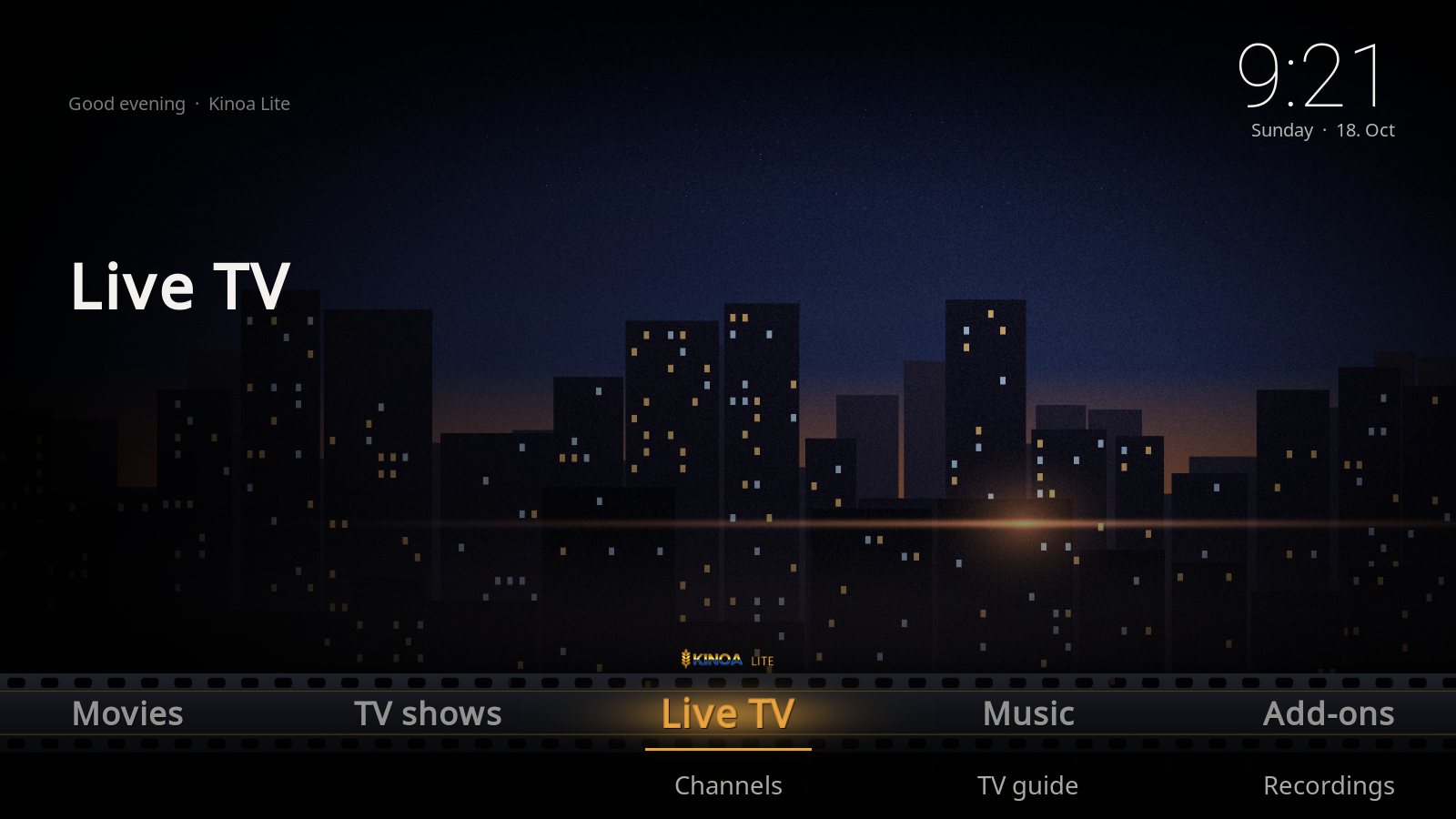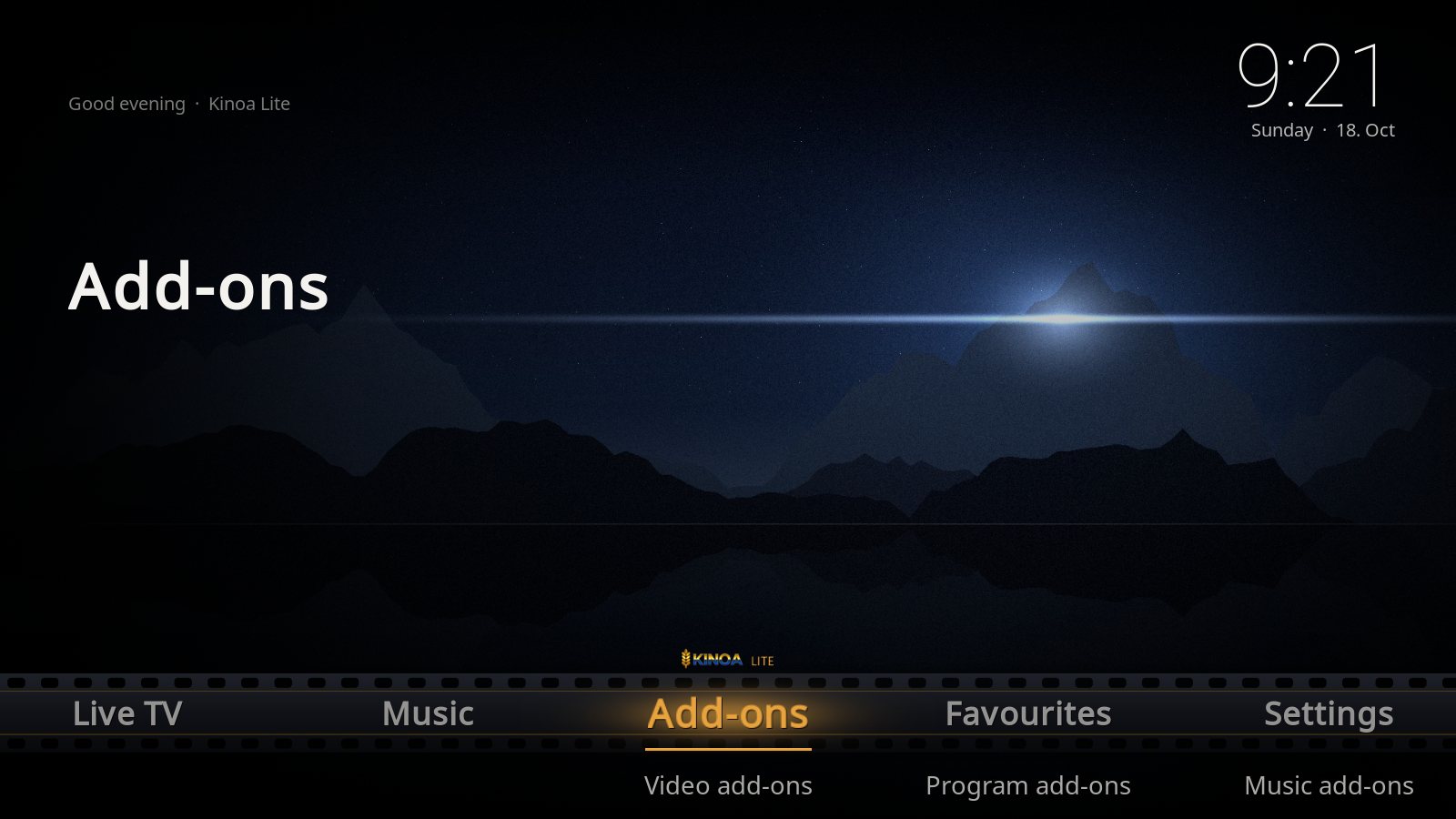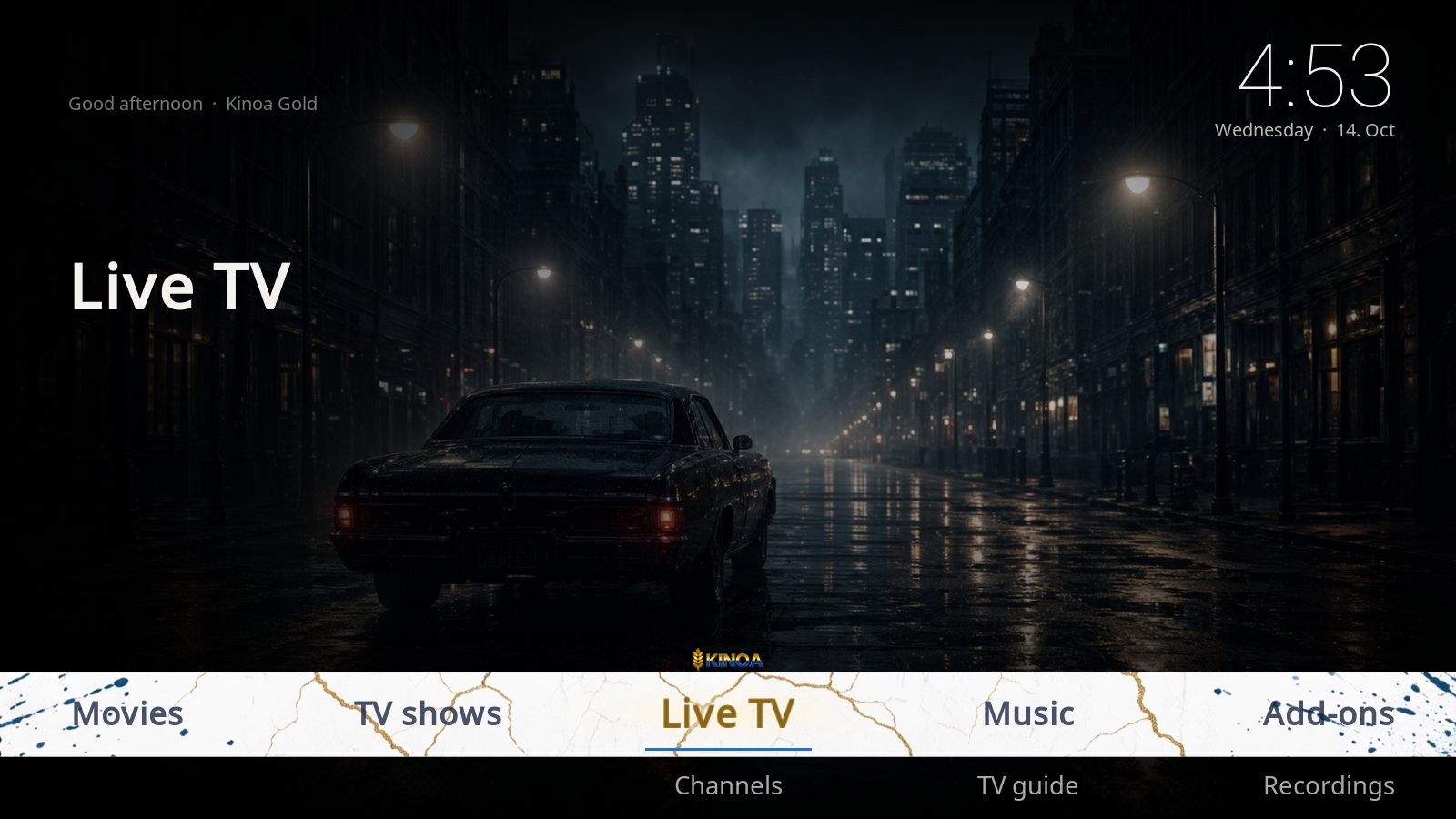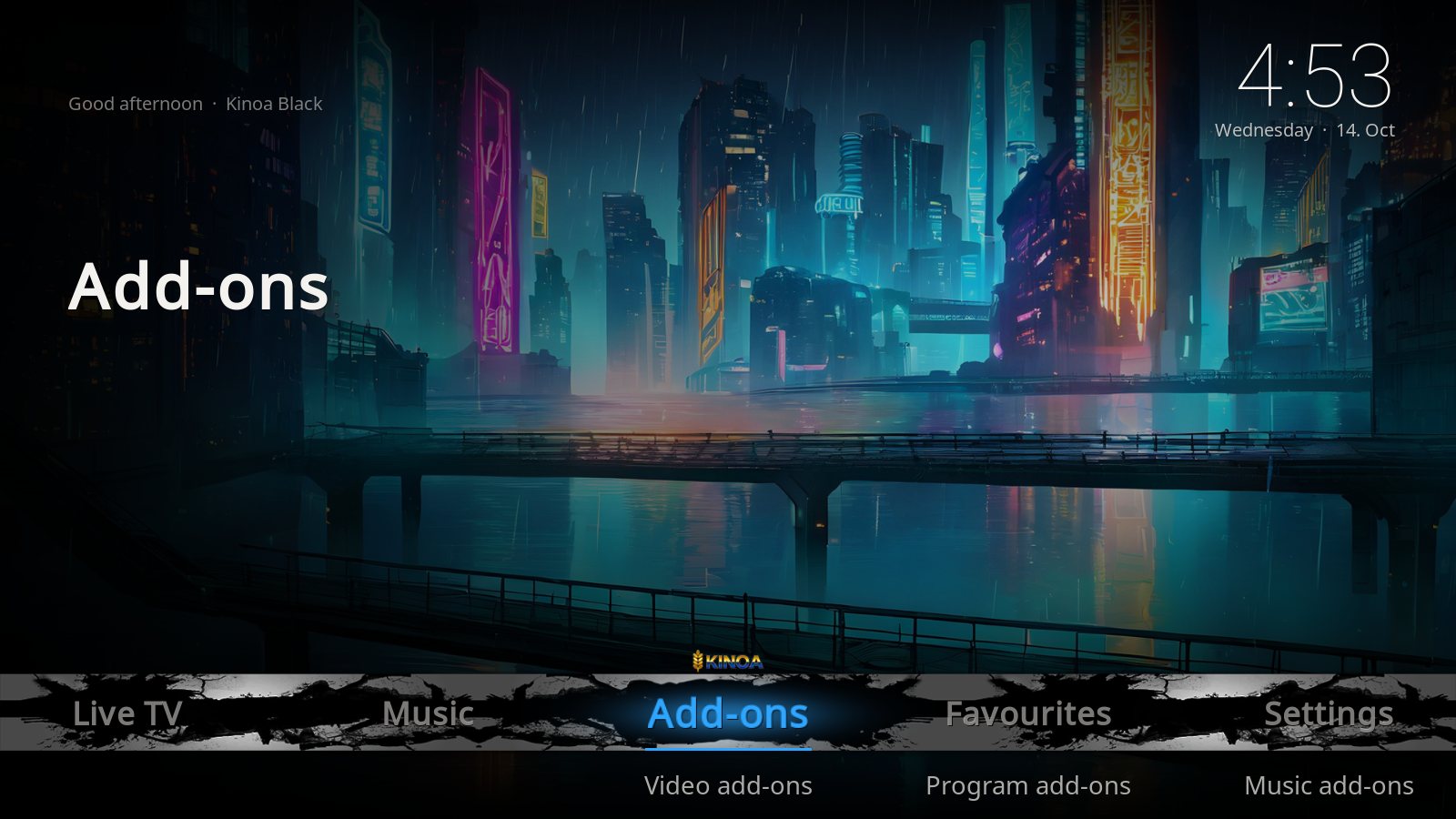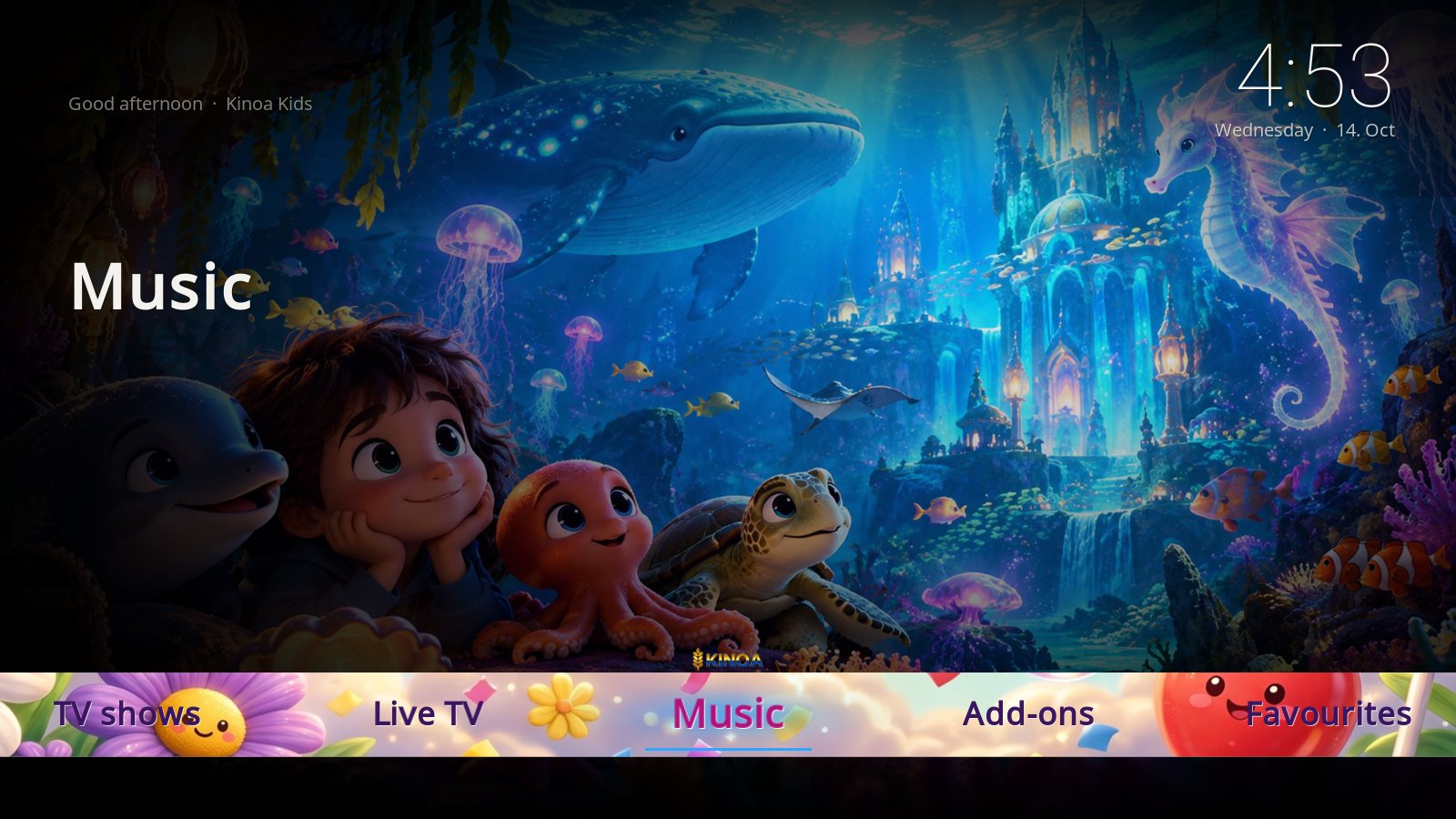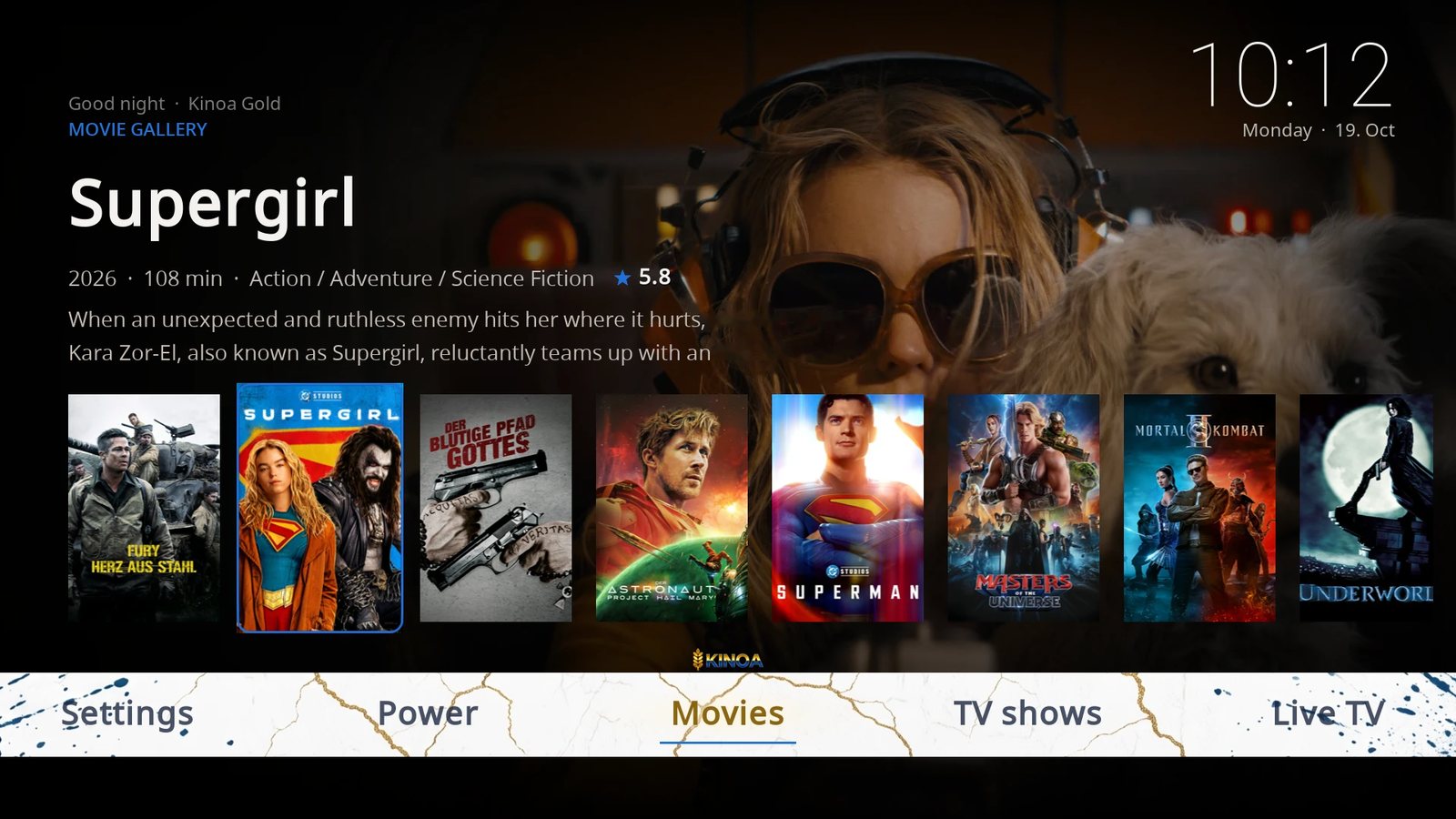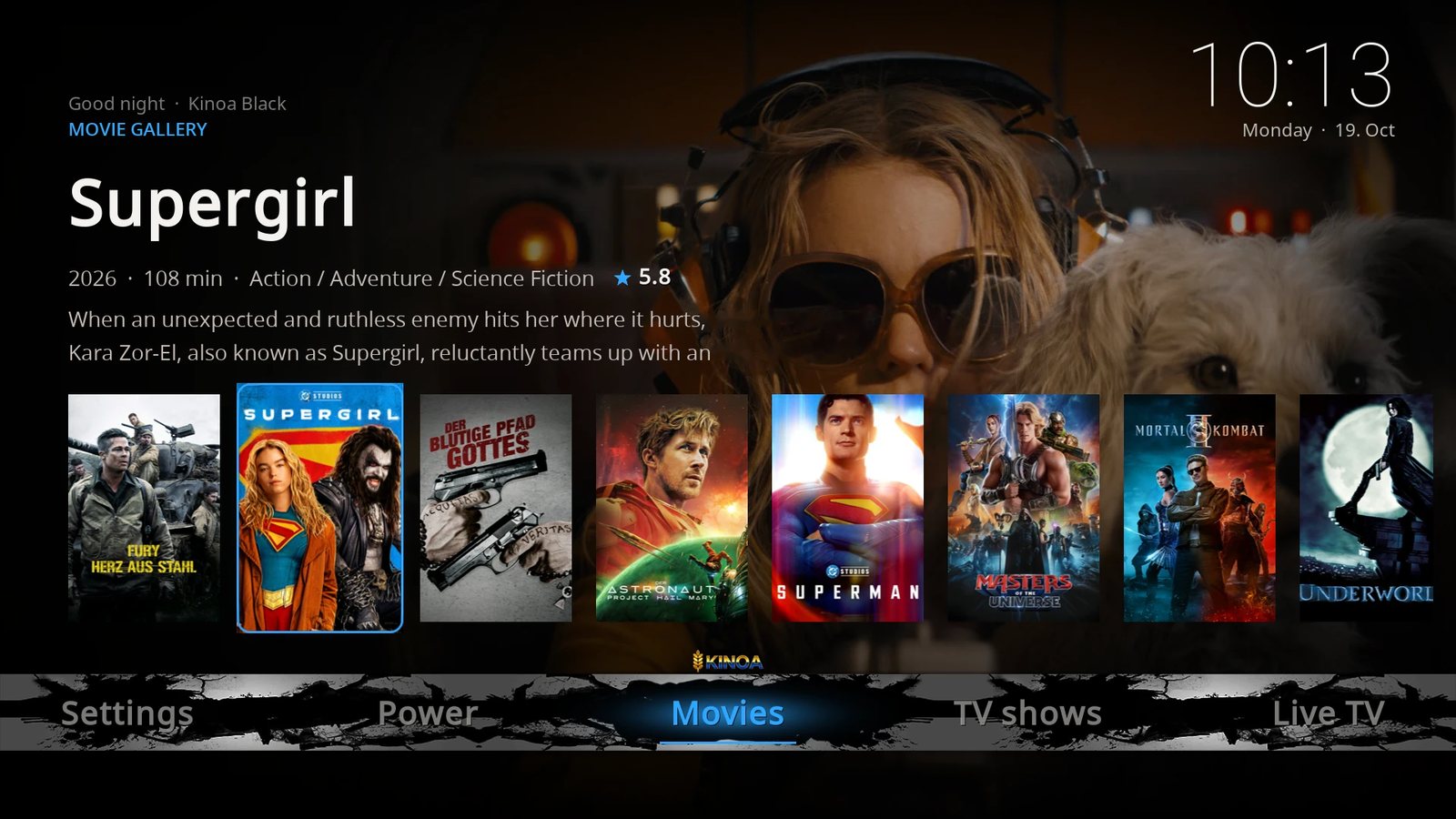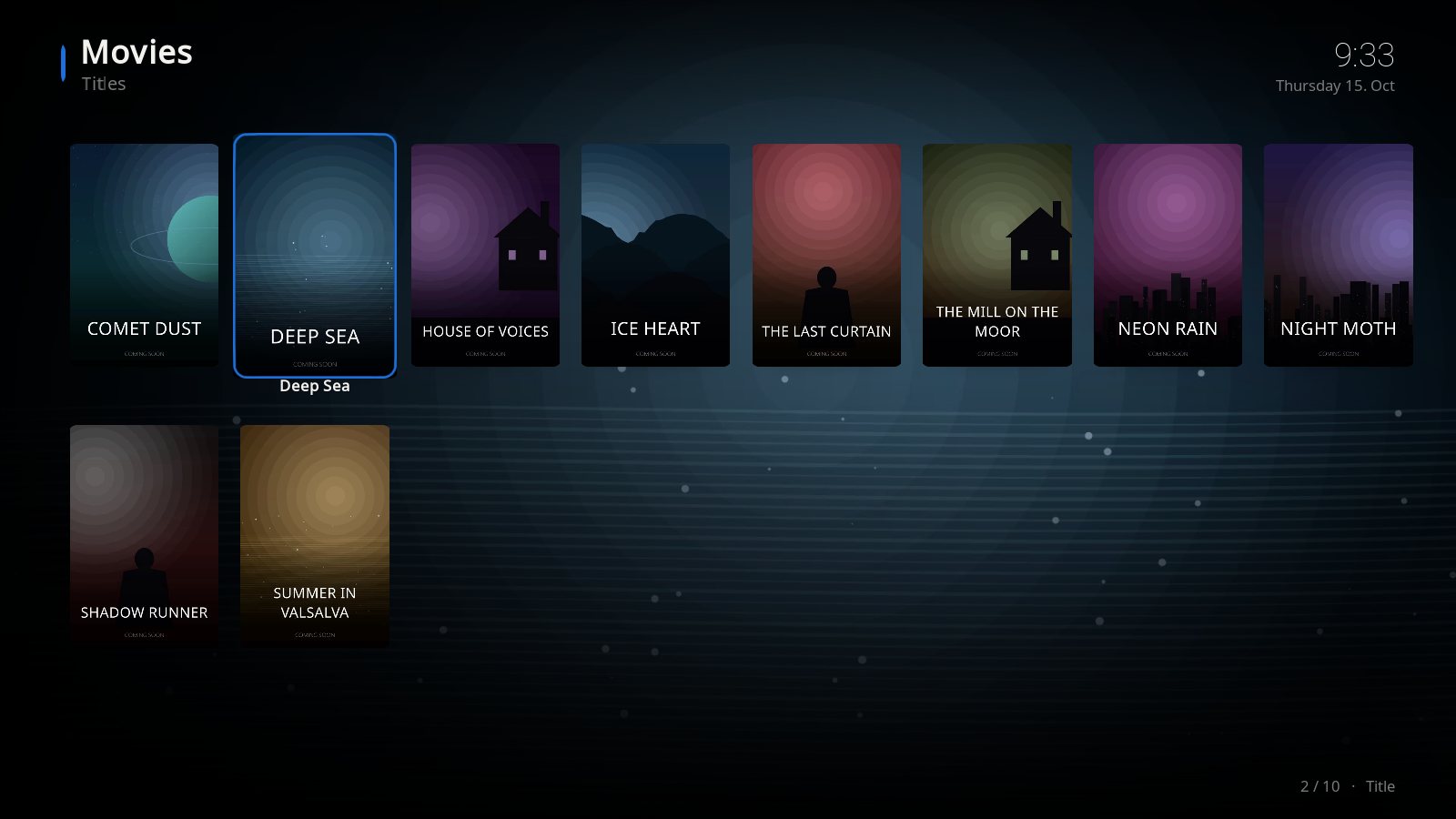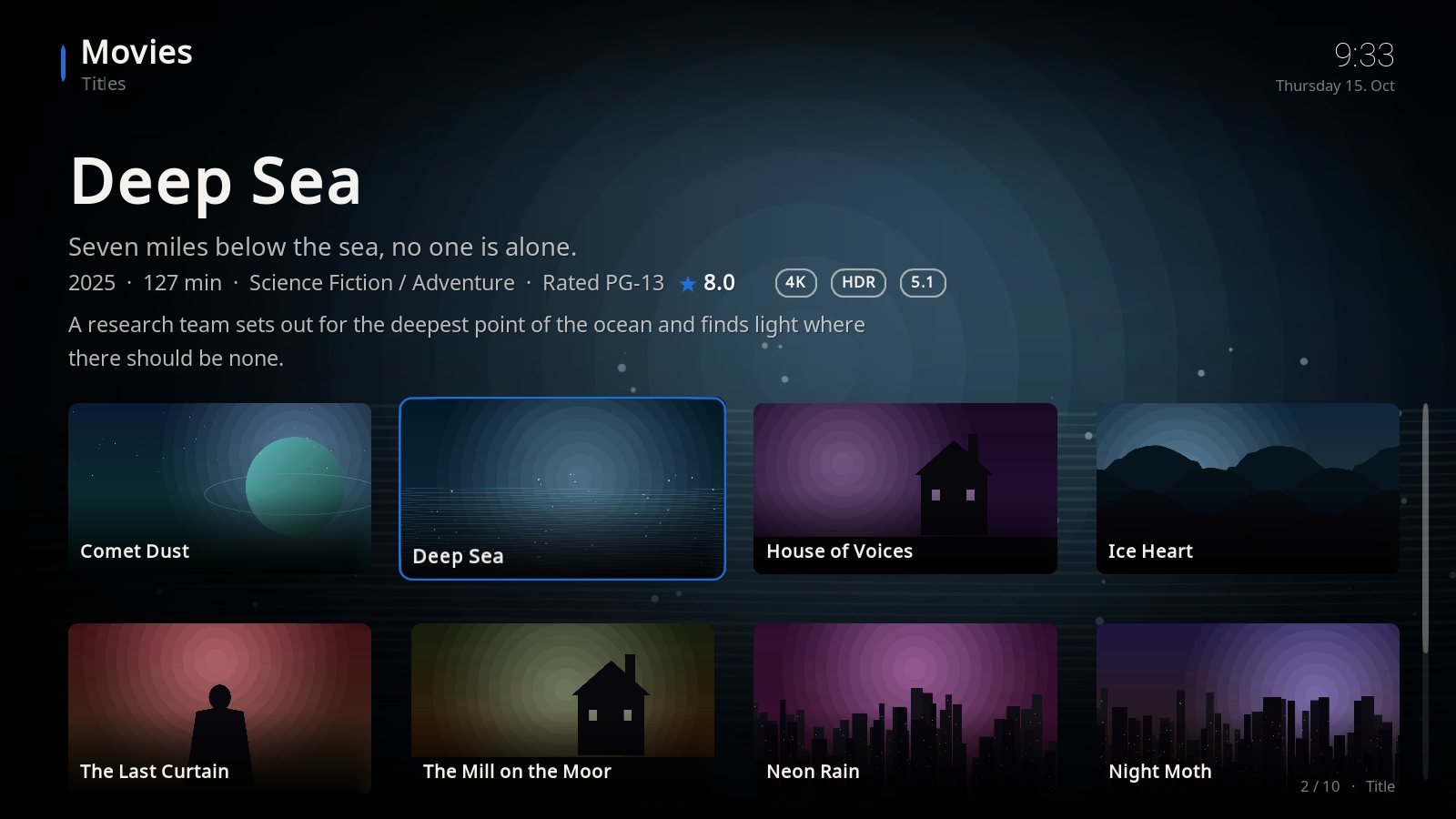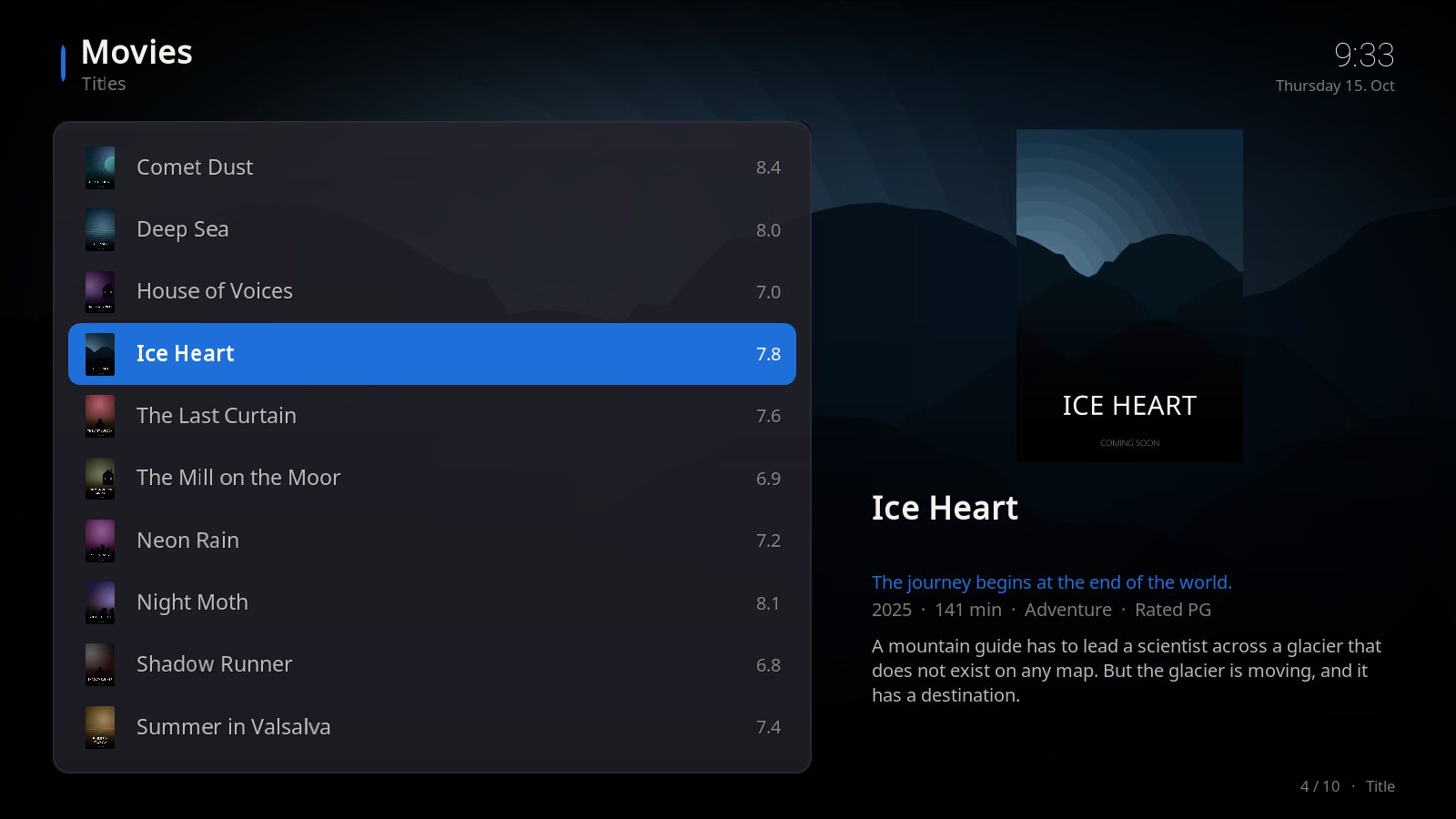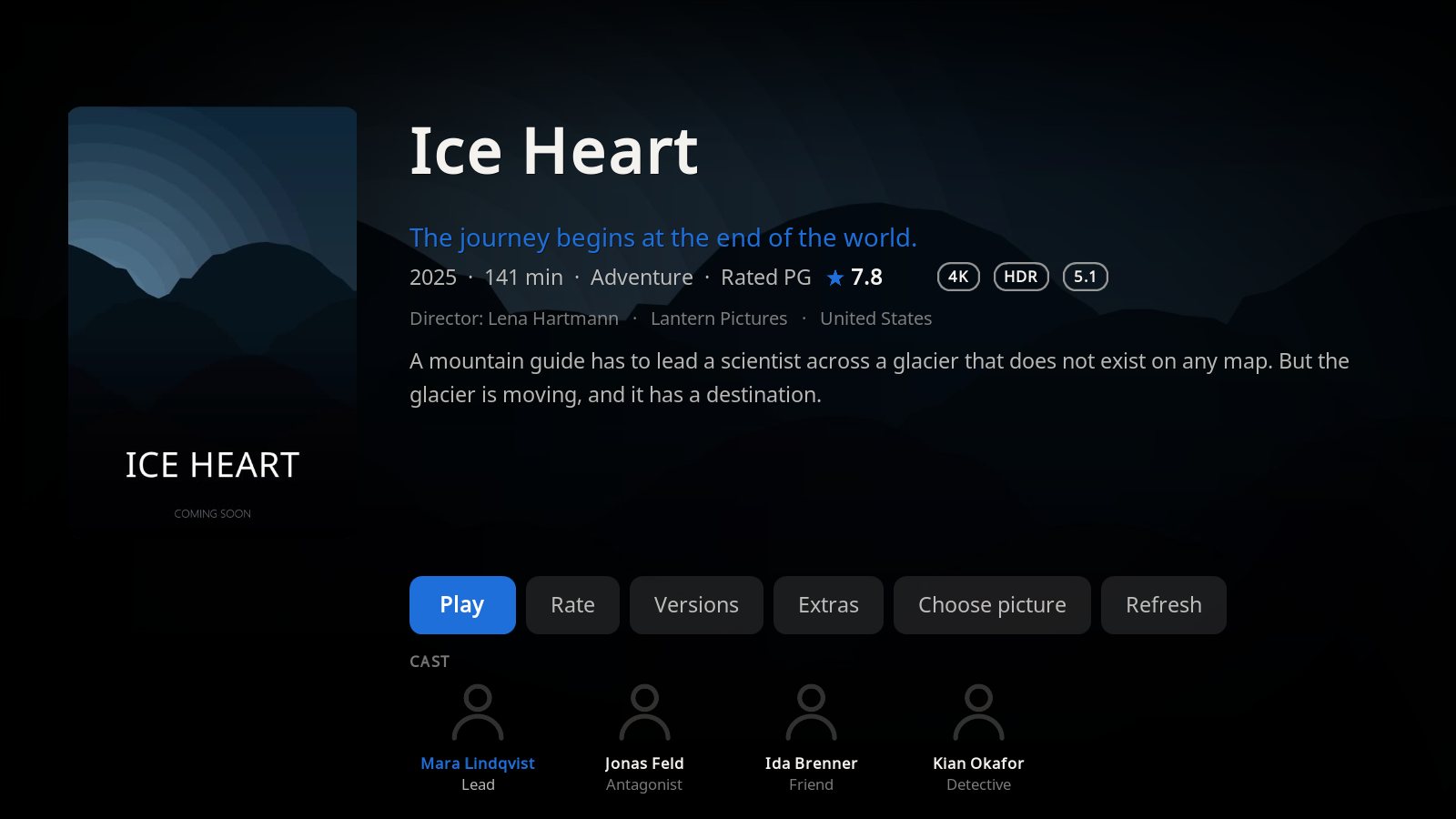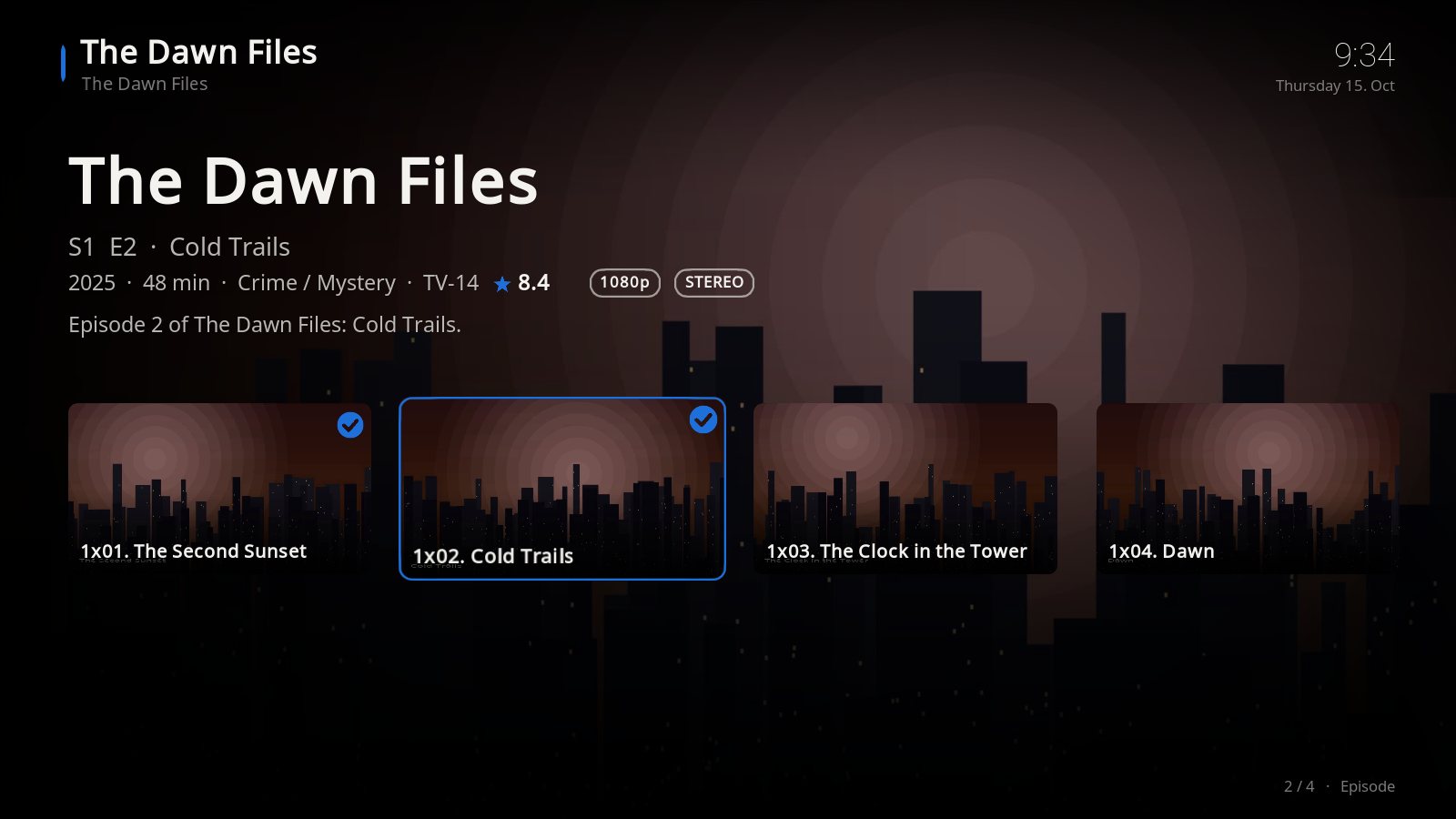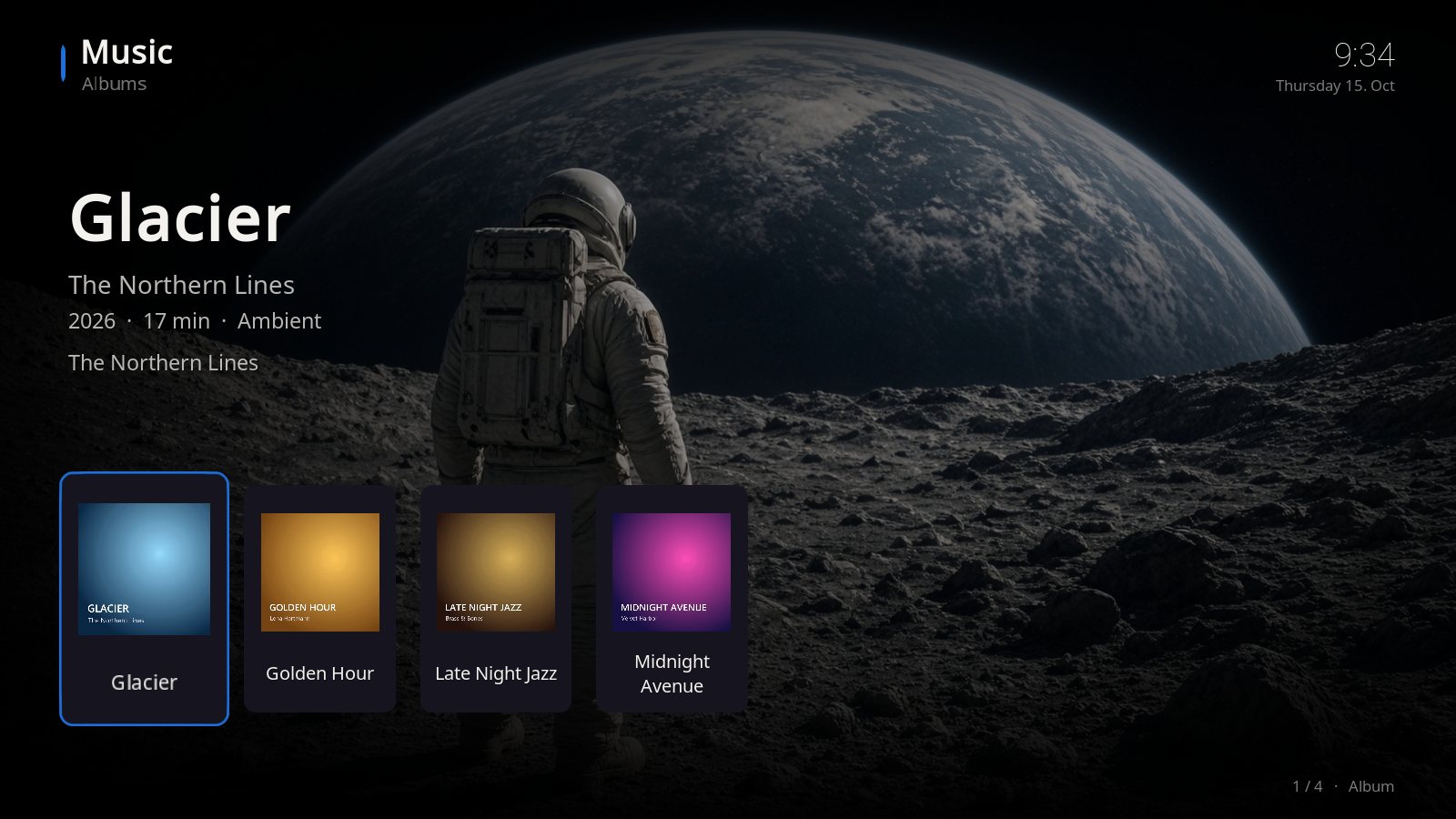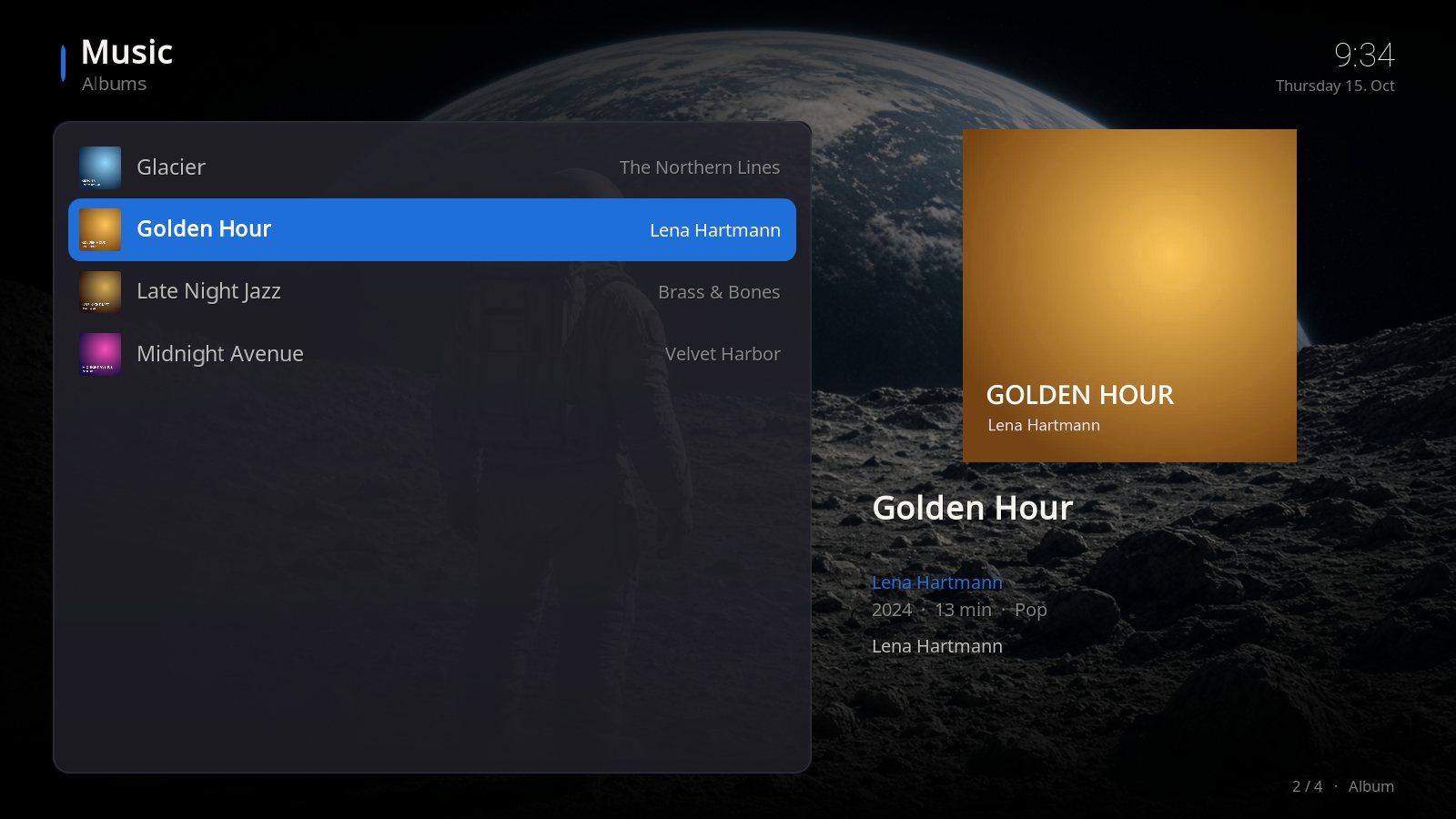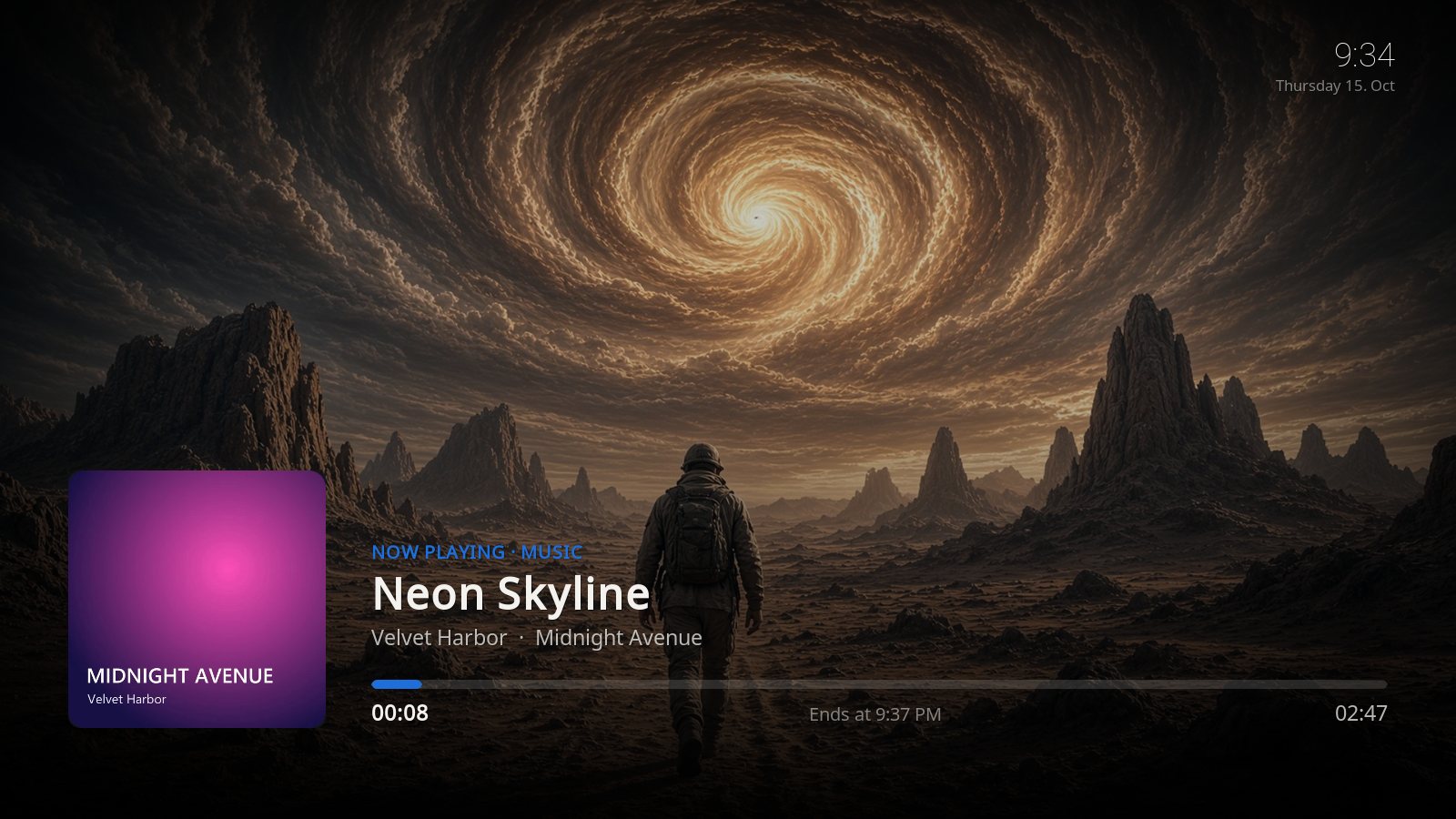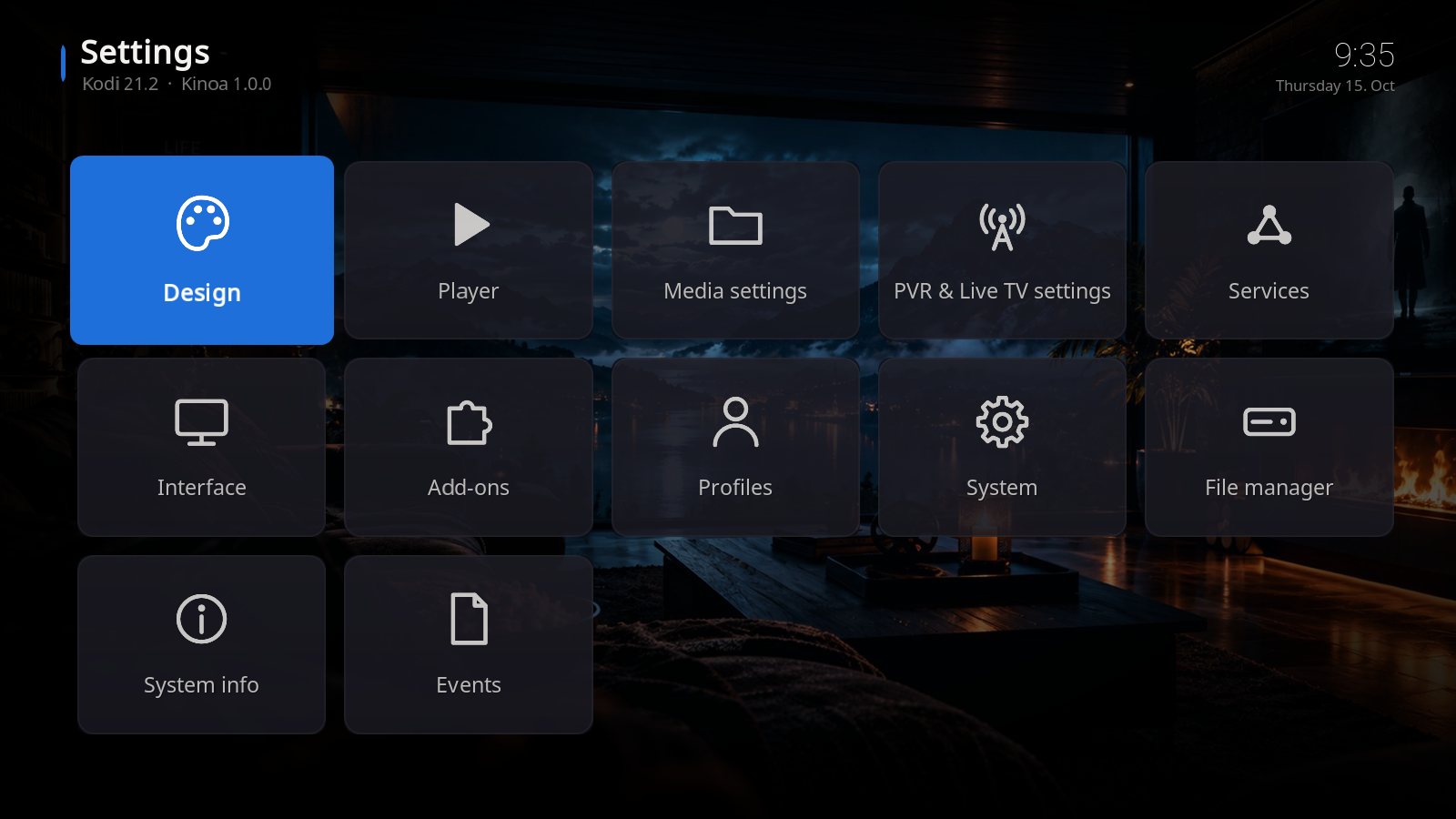
Three elegant designs, wallpapers that change by themselves, its own screensaver and a menu you design completely yourself. Made by a Kodi user with 14 years of experience.
Installation on Windows and a tour of all three designs – in under 4 minutes.
Clicking loads the video from YouTube (Google). See our privacy policy. · Watch on YouTube
The free version of Kinoa with its own film-strip design and six cinematic wallpapers. Same installation as the full version.
Only in the full version: three designs (Gold, Black, Kids) and 14 wallpapers.
Download Kinoa Lite (free)skin.kinoa.lite-1.0.0.zip · 6 MB · Kodi 21/22 · free for private use, not for resale
Switch any time under Settings → Design. Every design has its own menu band, its own colors and its own start picture.
Everything is built into the skin. No extra add-ons such as Skin Shortcuts needed.
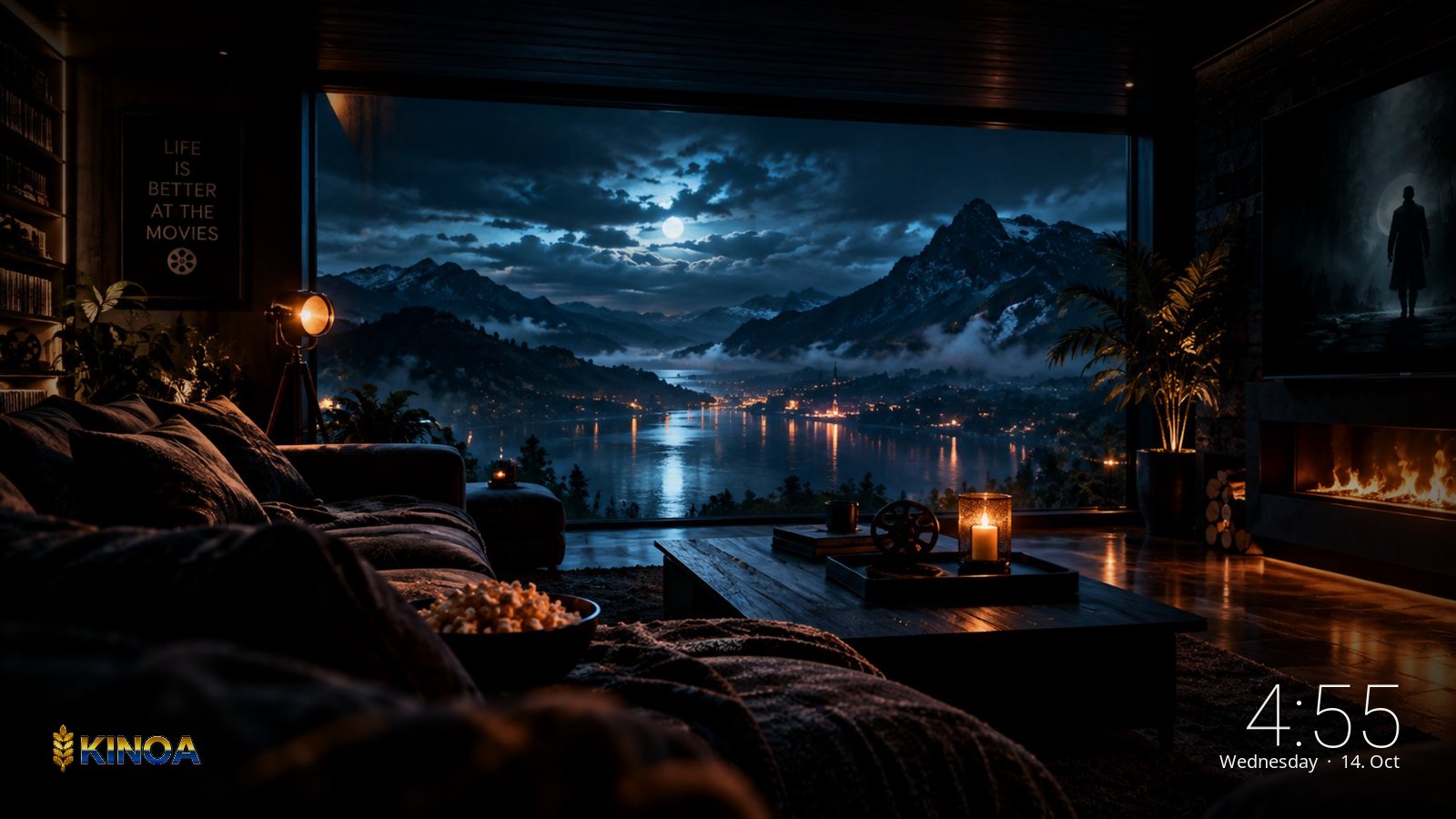
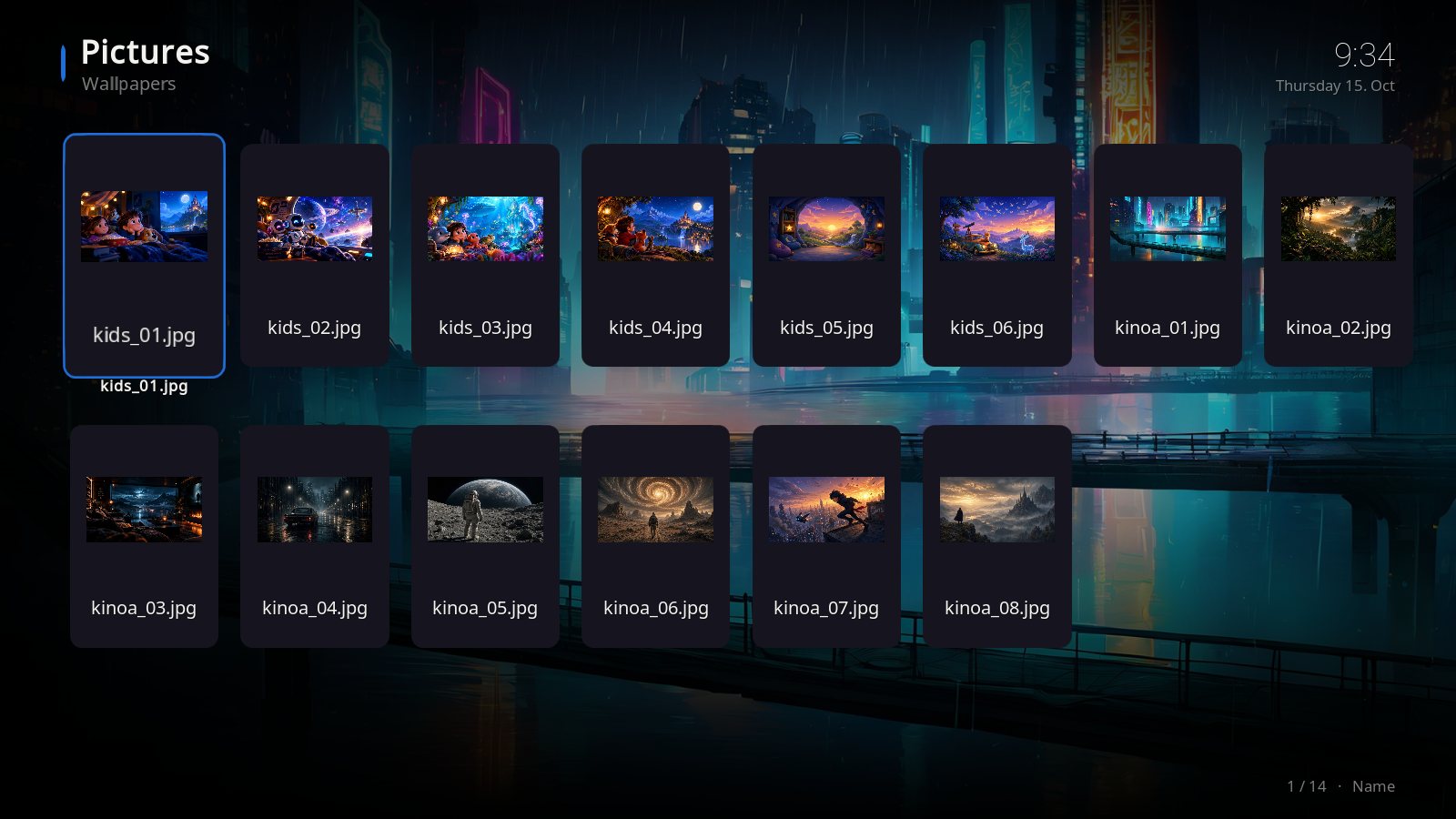
8 wallpapers for Gold and Black, 6 for Kids. They change automatically every 15 seconds.
After 10 minutes without input a slideshow of the wallpapers with a clock starts. Any key ends it.
When Kodi starts, the Kinoa start picture is shown for 5 seconds – Kids has its own.
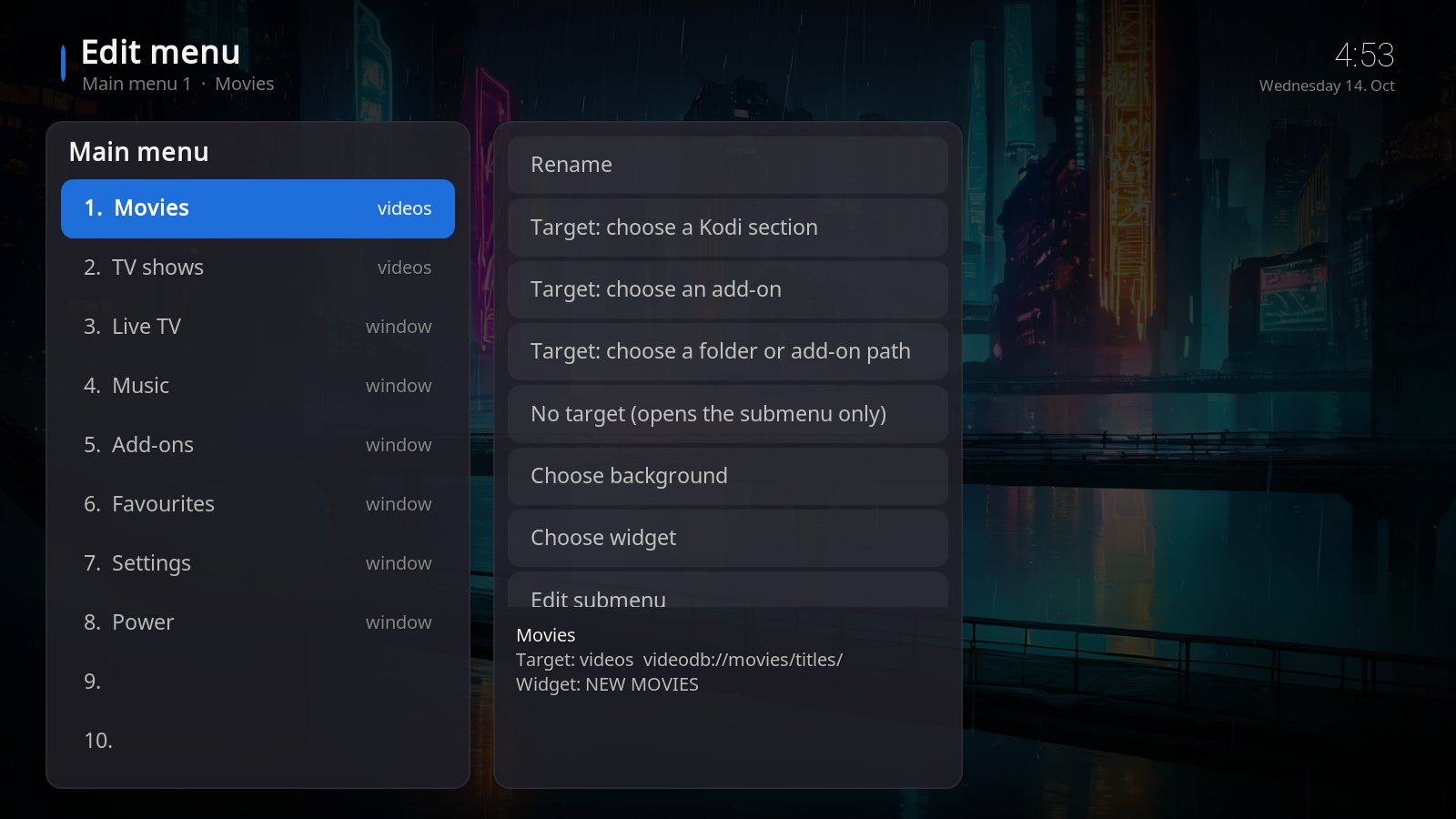
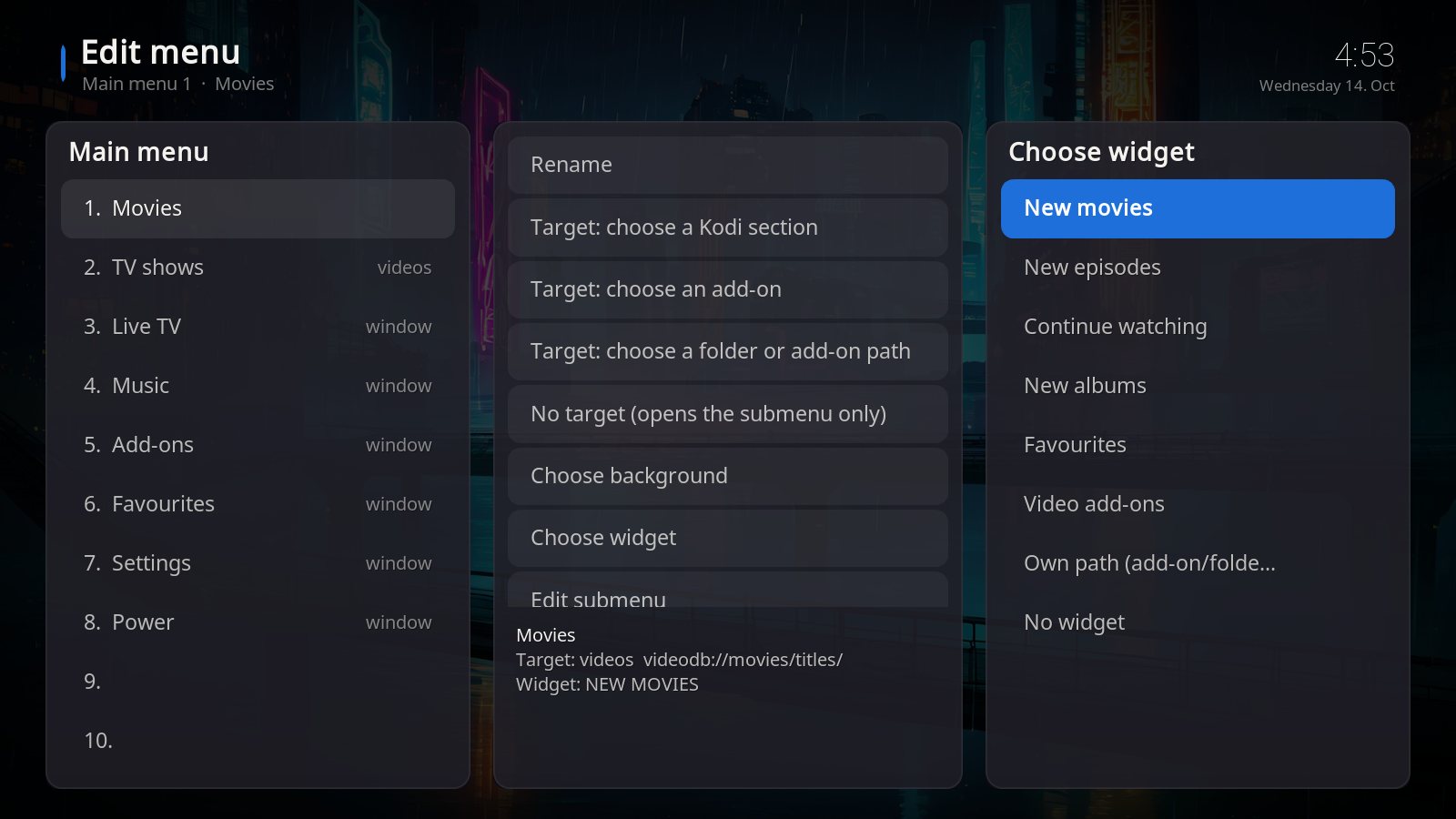
14 main items with 10 sub items each. Name, target (Kodi section, add-on or folder), background and widget – all your choice.
The skin automatically follows the language set in Kodi.
Windows, Android TV boxes and Fire TV Stick. Effects are off by default – runs smoothly even on weak devices.
Put your favourite content on the start page: pick any folder of an add-on – for example one category of your media library – and it appears as a row of tiles with poster, title, genre and plot. Set up in a few clicks in the built-in menu editor: Choose widget → Add-on content → add-on and category → Use this folder.


Step by step in the manual. The screenshots show a category from a legal streaming add-on with my own account. Film posters and descriptions belong to their respective rights holders.
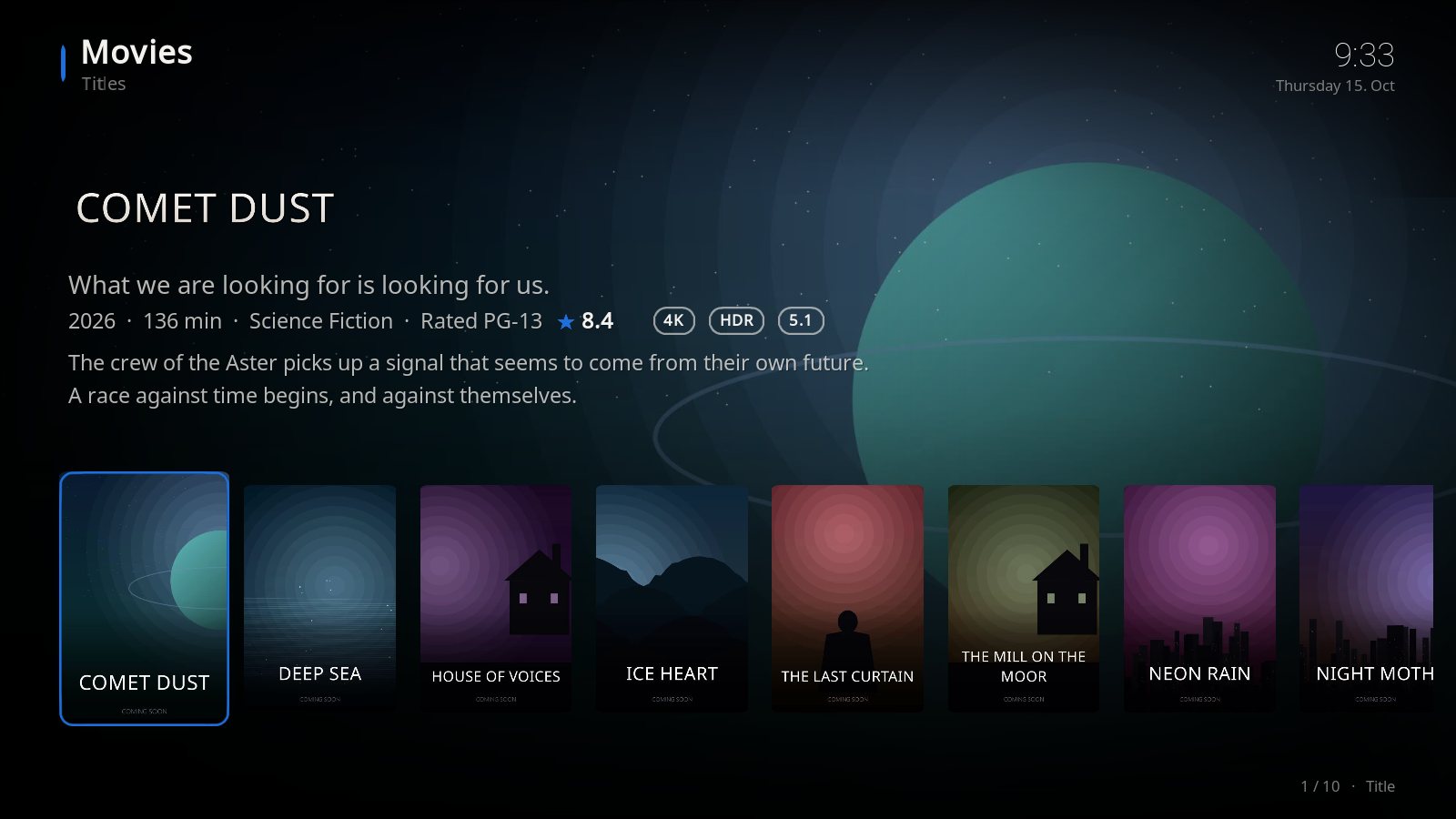
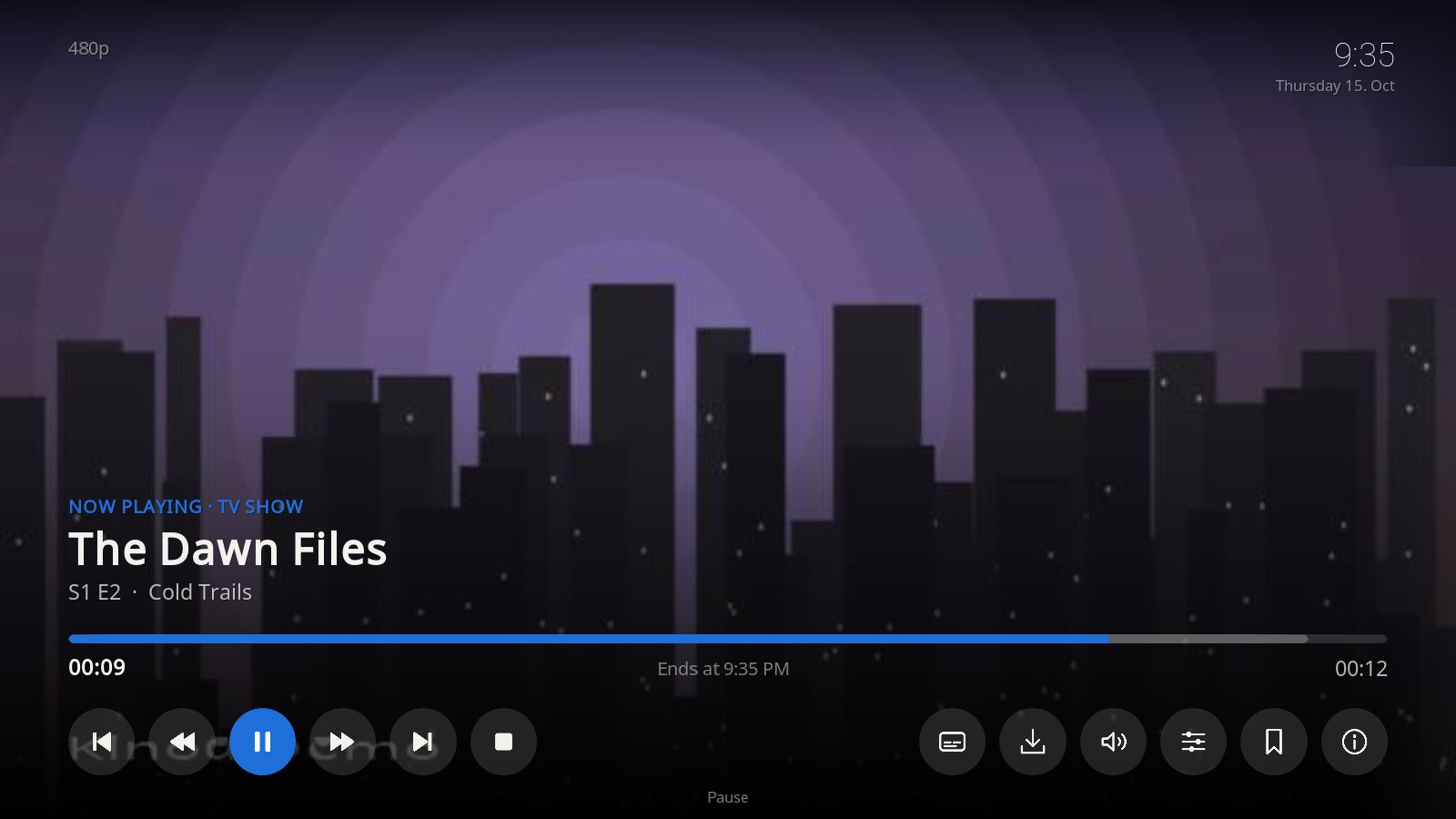
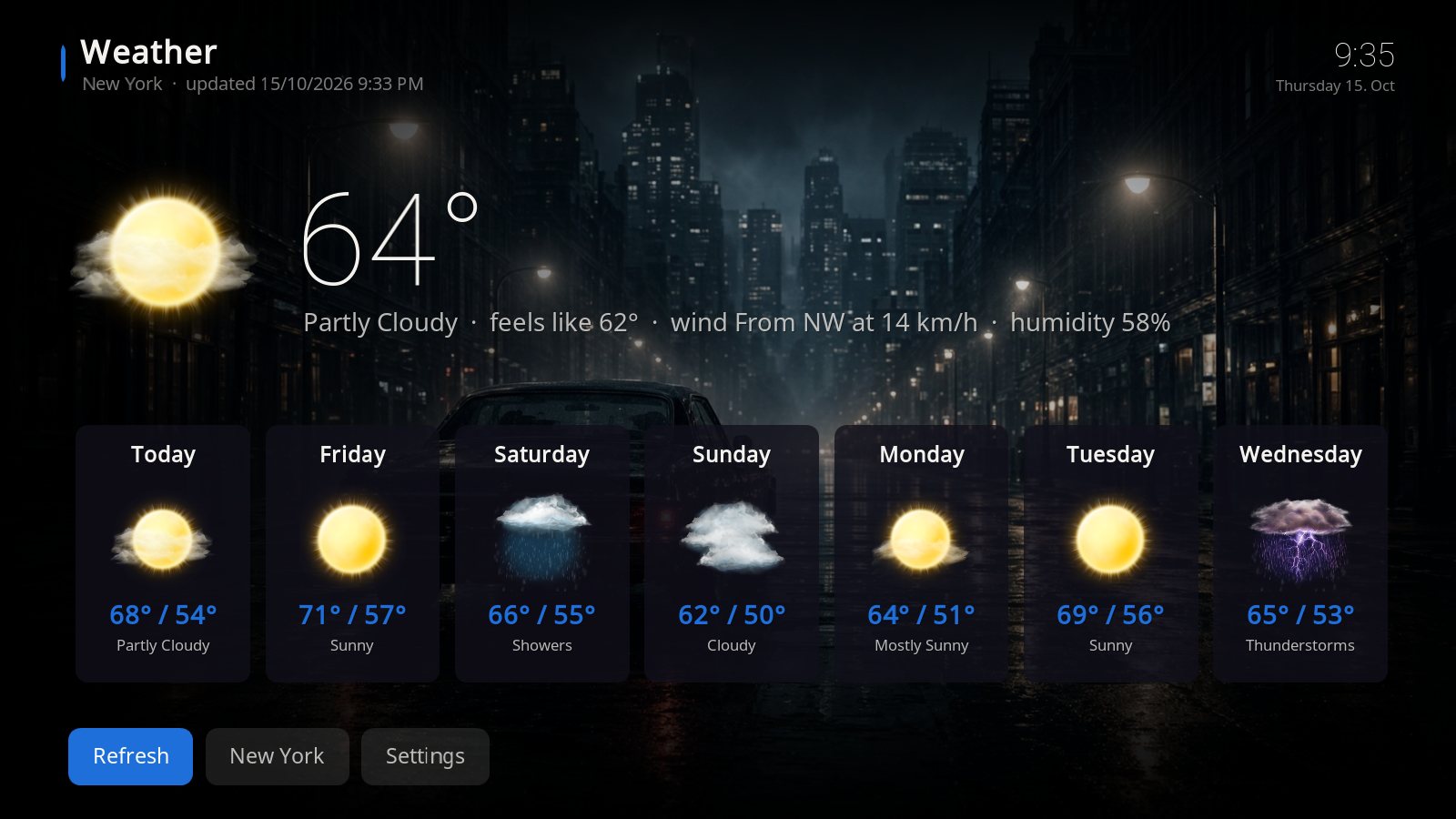
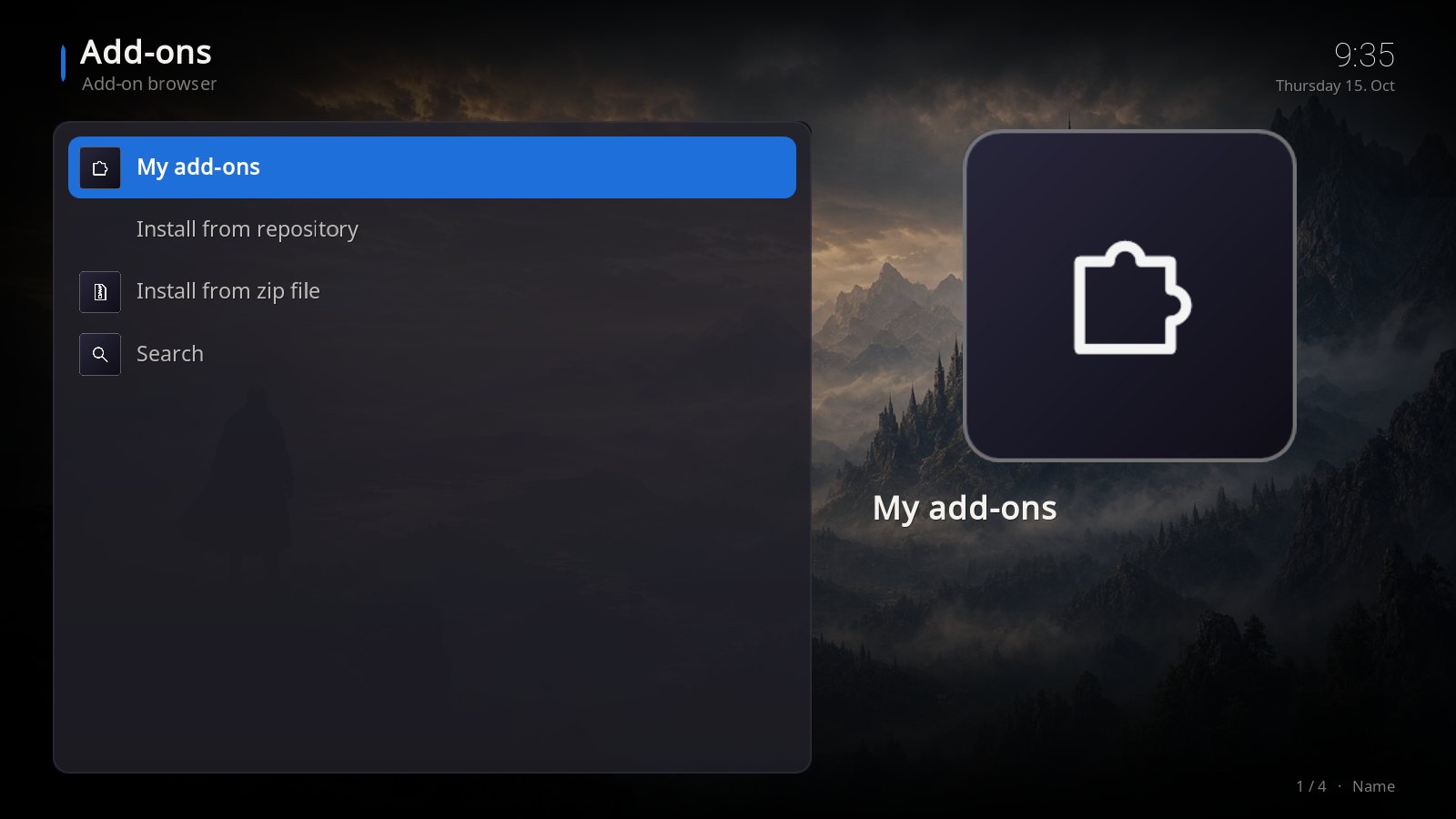
Kinoa styles every window of Kodi: library, music, weather, pictures, add-ons, settings and the player. Movies, music and weather here are fictional demo content.
Kinoa is written from scratch. It is not based on any other skin and contains no code from Aeon Nox, Estuary or any other skin – and it does not need Skin Shortcuts: the menu editor is built in.
The only third-party components are two fonts: Noto Sans (SIL Open Font License 1.1) and Roboto Thin (Apache License 2.0). Both allow commercial use, and their licence texts are included in the zip file.
All artwork – wallpapers, menu bands, start pictures and icons – was made for Kinoa.
A Kodi skin is plain XML and is not compiled – every buyer gets the complete source of the skin in the zip file.
The detailed guide for every device is in the manual.
Kodi 21 "Omega" or 22 "Piers". You find your version under Settings → System information. Older versions (Kodi 20 and earlier) are not supported.
Yes. Camera zoom and living effects are off by default so the skin runs smoothly on the Fire TV Stick too.
No. Kinoa is only the interface. Which legal add-ons and content you use in Kodi is up to you.
Yes. In the built-in menu editor you set name, target, background, widget and submenu for every item. See the manual.
Yes. Under Settings → Design you can choose a fixed own background for Gold/Black and for Kids.
On up to 5 of your own devices in your household. Sharing, reselling or preinstalling on devices for others is not allowed.
In US dollars. The price is $3.99 before tax – any sales tax or VAT that applies in your country is added and shown at checkout. If your card is in another currency, your bank converts the amount.
Kinoa is sold via Gumroad. For digital content the right of withdrawal expires as soon as you expressly agree to the immediate download. Details under right of withdrawal.
Buy once, download instantly, set up in five minutes.
Buy Kinoa for $3.99